0832-6747575
What Is a Guest Wi-Fi Network and How Does Guest Wi-Fi Work?
What Is a Guest Wi-Fi Network?
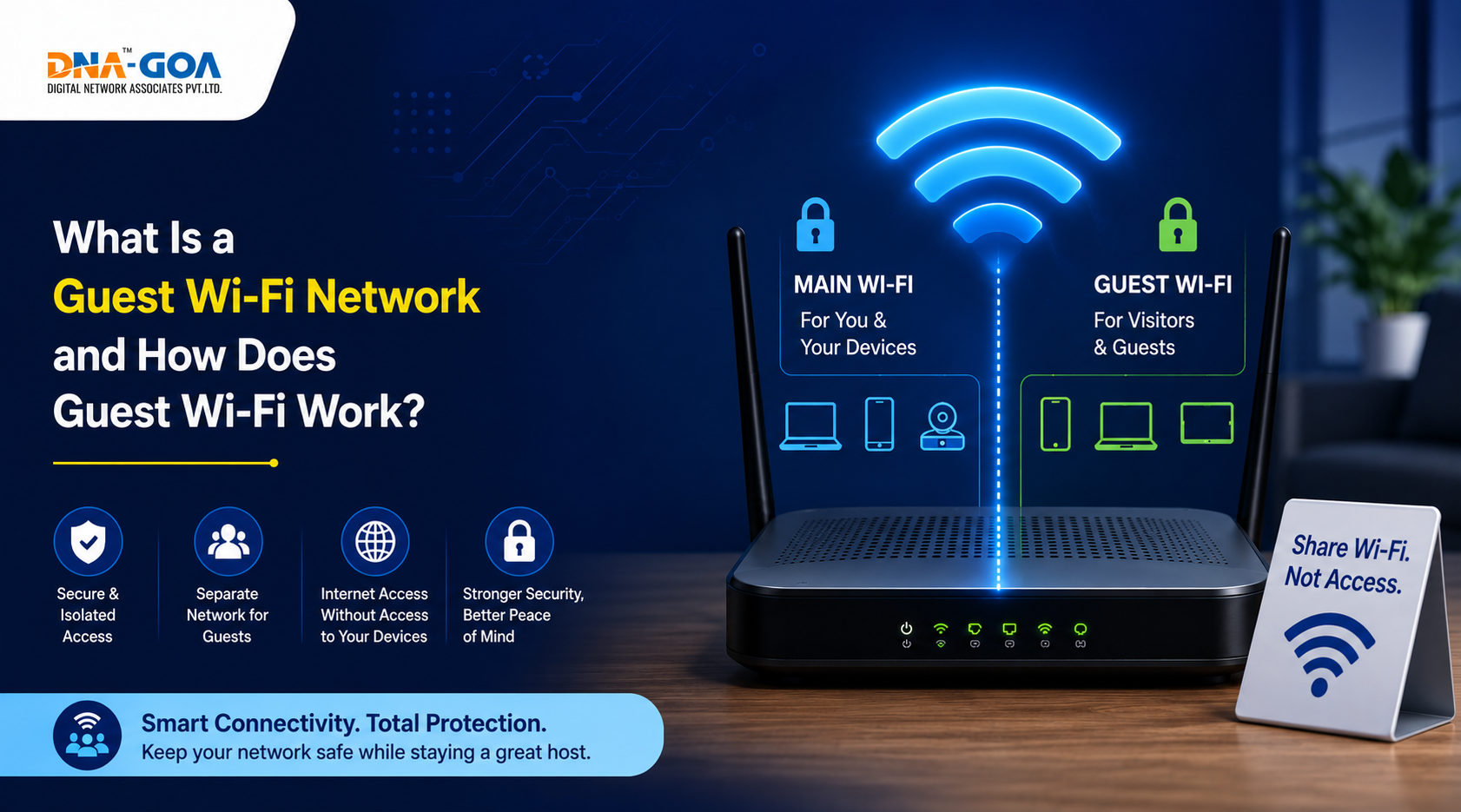
A guest Wi-Fi network is a separate wireless network running off the same router or access point as your main connection. It gives visitors internet access without letting them anywhere near your primary network or the devices connected to it. So they can browse, stream, and use apps without any exposure to your personal files, smart home devices, or work computers. That separation is the whole point. If you’ve ever wondered what a guest Wi-Fi is or why routers even offer this feature, it comes down to one thing: keeping your main network clean and protected while still being a decent host.
Why Do Routers Offer Guest Wi-Fi?
Most modern routers include a guest network option because the security use case is genuinely useful. A home internet provider in Goa setting up a fiber connection will typically supply a router capable of broadcasting both a main and a guest SSID simultaneously. The idea is simple. Your personal devices, laptops, phones, smart TVs, and home security cameras stay on one network. Anyone visiting gets a separate network. Even if their device carries malware or tries to probe the network, it’s walled off from your main setup. For households in Arpora and Caranzalem, where visitors and tenants often need temporary access, this feature gets a lot of practical use.
How Does Guest Wi-Fi Work?
So, how does guest wifi work exactly? The router creates a logically separate broadcast from the same hardware. Devices connected to the guest network can access the internet through your connection, but they’re isolated from devices on the main network. They can’t see shared folders, printers, NAS drives, or other devices on your primary band. Most routers also let you set a separate password, bandwidth limits, and an access schedule for the guest network. What is a guest network in router terms? Basically, a virtual partition that uses the same physical hardware but enforces network-level separation between users. The guest network typically sits on a different subnet, which is what creates the barrier.
Guest Wi-Fi vs Main Wi-Fi: Key Differences
| Feature | Main Wi-Fi | Guest Wi-Fi |
| Network Access | Full access to all connected devices | Internet only, no device visibility |
| Security Level | Higher trust, personal devices | Isolated, limited permissions |
| Password | Shared with household members | Separate, shareable with visitors |
| Device Visibility | Can see all network devices | Cannot see the main network devices |
| Bandwidth Control | Full bandwidth by default | Can be capped independently |
| Best For | Residents and trusted users | Guests, visitors, IoT devices |
| Access Schedule | Always on | Can be time-limited |
Benefits of Using a Guest Wi-Fi Network
Running a guest network alongside your main connection gives you several practical advantages, especially in a home or small business setting:
- Keeps personal devices completely separated from visitor devices
- Reduces the risk of malware spreading from a guest’s device to your main network
- Lets you share internet access without sharing your main Wi-Fi password
- Useful for isolating smart home or IoT devices that don’t need access to other devices
- Easy to manage: reset the guest password without affecting your main network
- Bandwidth limits can prevent heavy users from slowing down your primary connection
- Convenient for short-term rentals, home offices with client visits, or shared living spaces
For any home internet provider in Goa managing multi-tenant or hospitality setups, a well-configured wifi guest network is standard practice rather than an optional feature.
Is Guest Wi-Fi Safe?
Yes, a properly configured guest network is safe. The isolation it provides is real. The devices that are connected to the guest network are unable to establish connections with any other devices on your main network. It is important to highlight a few aspects here. The security of the guest network will depend on the updates made to the firmware of the router, along with a guest password that is difficult for any outsider to hack. If you use a poor guest password in a densely populated area like Caranzalem, then there will always be risks involved. What is guest network security worth if anyone in the building can connect? Change the guest password regularly, especially in environments with high visitor turnover.
When Should You Use a Guest Wi-Fi Network?
Guest networks are worth activating in a few common situations. Any time you have visitors who need internet access but don’t need access to your devices or files, the guest network is the right place to put them. The same applies to IoT devices like smart bulbs, thermostats, or security cameras. Isolating these on a separate network limits the damage if any of them get compromised. For a home internet provider in Goa, customers running small guesthouses or Airbnbs in places like Arpora, a guest network for paying guests is basically non-negotiable. It keeps personal and business networks separate and gives guests a clean, controlled connection.
How to Set Up a Guest Wi-Fi Network
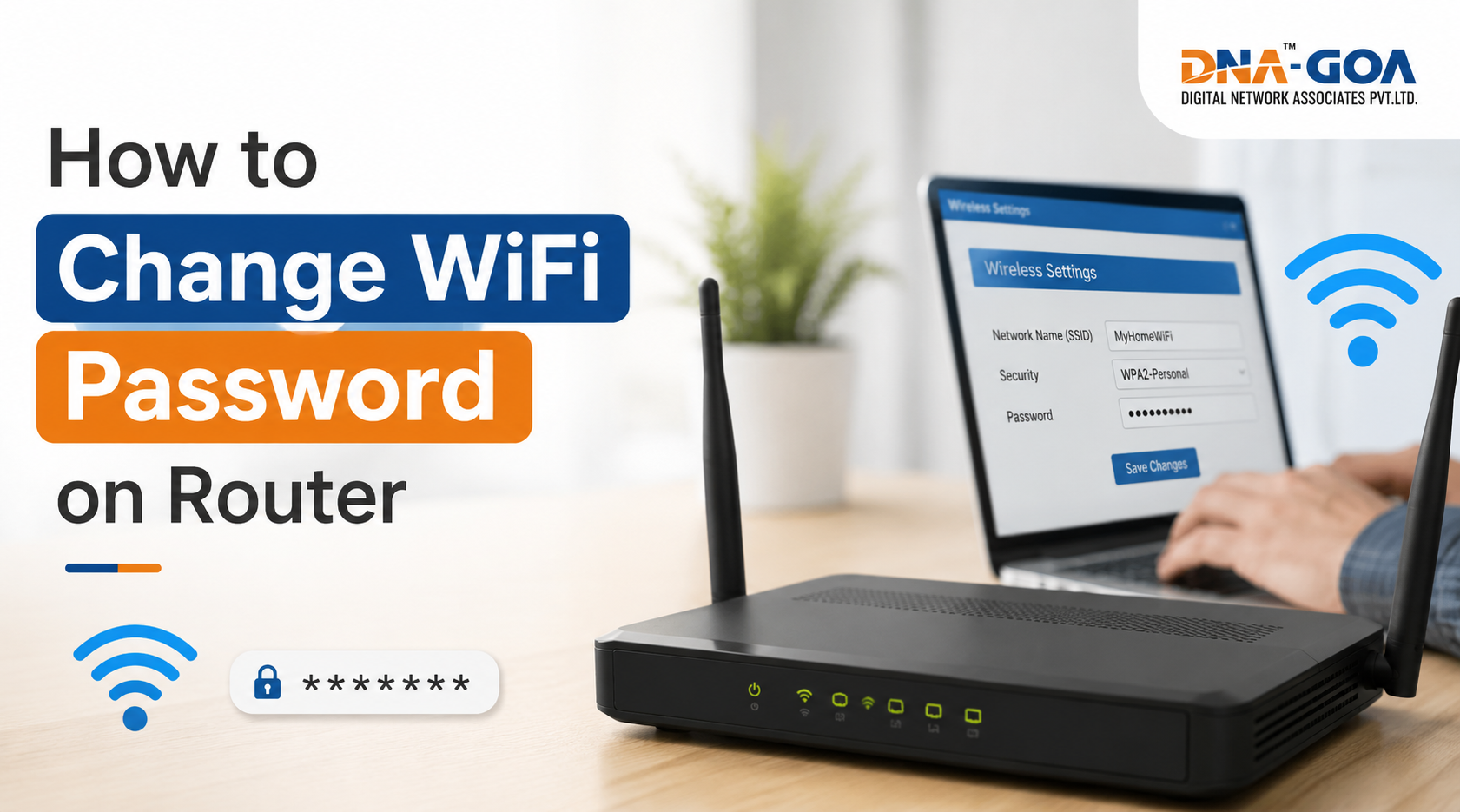
Setup varies by router brand, but the steps are broadly similar across most devices. Log in to the router settings, generally using your browser to navigate to either 192.168.1.1 or 192.168.0.1. In the router settings menu, search for the option that may be referred to as Guest Network or Guest Zone. Then activate it and give it an SSID and password. Enable the network isolation option; this is what prevents guest devices from seeing your main network. Set a bandwidth limit if needed. Save and apply. Any home internet provider in Goa technician setting up a new connection will usually configure this on request during installation if you ask for it upfront.
How to Check Devices Connected to Your Guest Wi-Fi
Most router admin panels have a connected devices section that lists active connections on each network separately. Log in to the admin interface and look for a device list or DHCP client table. This will display the name of the device, MAC ID, and the assigned IP addresses. In some routers, there is even a push notification system that alerts you whenever a new device connects. However, if you have a Wi-Fi provider in Arpora or any Internet service provider in Caranzalem who controls your router from their end, then you can request them for the list too. It is always a wise choice to track your network devices.
Best Practices for Managing a Guest Wi-Fi Network
- Use a strong, unique password for the guest network, separate from your main network password
- Enable client isolation so guest devices can’t communicate with each other or with your main network
- Set a bandwidth cap to prevent any single guest device from saturating your connection
- Change the guest password regularly, especially after hosting events or extended stays
- Disable the guest network when not in use; most routers allow scheduling
- Keep your router firmware updated to ensure network isolation works as intended
- Use a different SSID name that doesn’t reveal your address or personal information
Frequently Asked Questions About Guest Wi-Fi
What is a guest wifi network?
A separate wireless network on your router that gives visitors internet access without exposing your main network or connected devices.
What is guest network in router settings?
A virtual partitioned network broadcast from the same hardware, isolated from the primary network at the subnet level.
Can guest Wi-Fi users see my devices?
No, client isolation prevents guest devices from detecting or communicating with devices on your main network.
Is it safe to use wifi guest networks in public places?
Generally, yes, but avoid accessing sensitive accounts or entering passwords on any shared or public network without a VPN.
Does Guest Wi-Fi Slow Down Internet Speeds?
It can, if multiple heavy users are connected simultaneously and no bandwidth limits are set. Most routers let you cap the guest network’s speed to protect your main connection’s performance. A home internet provider in Goa running fiber typically delivers enough capacity that moderate guest usage doesn’t cause noticeable slowdown on the primary network.
Final Thoughts: Is a Guest Wi-Fi Network Worth Setting Up?
Honestly, yes. The setup takes a few minutes and the security benefit is real. Keeping visitor devices off your main network is just good practice, regardless of how well you know the person. For households, guesthouses, and small businesses across Goa, from Caranzalem to Arpora, it’s one of those features that sits quietly in the background doing its job. Any decent home internet provider in Goa can walk you through enabling it on your router if you haven’t done it already. Once it’s running, you’ll have a clean main network and a controlled space for guests, and that’s a setup worth having.