0832-6747575
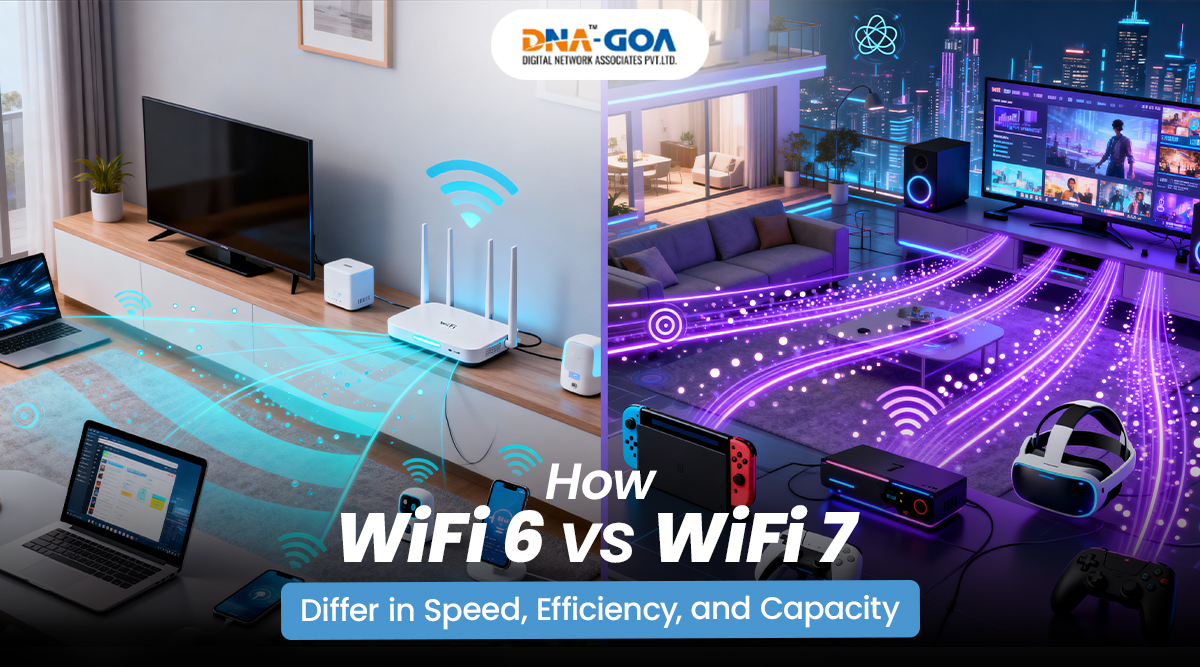
How WiFi 6 and WiFi 7 Differ in Speed, Efficiency, and Capacity
Introduction
Most of the time, updates to the Internet don’t seem like a big deal until something goes wrong. A video call that won’t move, a game that keeps lagging, or a file that just won’t upload. That’s when most folks start to search for router specs. In the previous few years, tech people have talked about WiFi 6 and WiFi 7 practically everywhere. Both are better than older standards, but they were created with different goals in mind. The big differences are in how fast they can go, how well they handle traffic, and how they operate when many devices are on at the same time.
What Is WiFi 6?
Definition and Release Background
WiFi 6, also known as 802.11ax, was made to help networks that are too full. People’s homes were no longer merely running one laptop and one phone. They were using ten to twenty devices at the same time. All day long, TVs, tablets, smart lighting, door cameras, and everything else were connected. That much traffic was too much for the older WiFi. WiFi 6 was made to make busy networks perform better, not just faster.
Key Goals: Efficiency, Congestion Handling, and Battery Optimization
Yes, the speed would be included in the upgrading, and the efficiency would be the main emphasis. The WiFi 6 would then be able to communicate with more than one device at a time. The devices will no longer wait in line; they get to make the best use of the bandwidth. This reduces waiting time. It assists those devices which are run on batteries by merely checking at given intervals for the signals instead of checking all the time. In real life, this implies homes filled with gadgets would run smoothly.
What Is WiFi 7?
Next-Generation WiFi Explained
WiFi 7, also known as 802.11be, is an improved version of WiFi 6, which can be utilized more efficiently by incorporating more sophisticated signals, larger channels, and more effective data transfer speeds. The next step is aimed at avoiding the situation where wireless technology is the limiting factor for internet service speeds and increased digital workload.
Why WiFi 7 Is Considered a Major Leap Over WiFi 6
The stats alone suggest a big change. In principle, the fastest WiFi 7 speed can be up to 46 Gbps. The actual results depend on the hardware and the settings, although the headroom is much more than that of WiFi 6. Multi-Link Operation is a big new feature that lets devices use more than one frequency band at the same time. That flexibility cuts down on disruptions and makes things more responsive. This is one reason why dedicated gamers who care about milliseconds are interested in WiFi 7 for gaming.
WiFi 6 vs WiFi 7: Speed Comparison
Maximum Theoretical Speeds
Theoretical speed numbers may not seem realistic, yet they are useful for showing technical limits. What you actually experience as a user depends on your internet plan and the capabilities of your device. There is still a clear difference between these two standards.
WiFi 6 Peak Speed Explained
In the best lab settings, WiFi 6 can reach rates of up to 9.6 Gbps. That goes over most people’s broadband plans. The network can handle streaming 4K content, downloading big files, and joining video calls without any problems.
WiFi 7 Multi-Gigabit and Beyond
WiFi 7 has 320 MHz channels and better modulation, which means it can handle more data. A multi-gigabit connection is available if the conditions are favorable to work with it. The added bandwidth can be advantageous when heavier cloud backups, creative activities, and amounts of information transfer are needed.
Efficiency: How WiFi 6 and WiFi 7 Handle Network Traffic
WiFi 6 Efficiency Improvements
WiFi 6 improved the coordination of routers and devices so that they could work more efficiently with each other. This has ensured that there are no chaotic data transmissions; rather, things are well-planned when you send data over the network. Hence, busy networks now become peaceful environments.
OFDMA and Reduced Network Congestion
OFDMA technology used in a router allows it to divide the channel into smaller parts. More than one device can send and receive information at the same time without interfering with another device. This is one way to reduce traffic in flats that have a number of networks nearby.
Better Performance in Crowded Environments
They used to stand for WiFi that did not perform well. WiFi 6 was introduced to make it better when WiFi signals overlap. The change isn’t showy, but you may see it during busy times.
WiFi 7 Efficiency Enhancements
WiFi 7 builds on these changes. Wider channels let more data move in each transmission. Signal encoding has also gotten better, which means that each cycle can hold more information.
Multi-Link Operation Explained
Multi-Link Operation lets a device connect to two bands at the same time. Traffic can move to another band without losing the connection if one band gets too busy. This makes things more reliable in tough situations.
Lower Latency and Smarter Data Transmission
Latency is important for programs that run in real time. Quick reaction times are important for online games, remote desktops, and live collaboration applications. WiFi 7 cuts down on transmission delays, which is why many people who question “Should I upgrade to WiFi 7?” want to know how responsive it is, not simply how fast it is.
Capacity: Handling More Devices Simultaneously
Device Capacity in WiFi 6
In a normal home, WiFi 6 can manage hundreds of devices without any problems. Smart thermostats, cameras, and personal devices can all work together without slowing down too much.
Device Capacity in WiFi 7
WiFi 7 makes that capacity much bigger. The best places to use them are offices, conference centers, and shared workspaces. The technology is designed to handle a lot of devices at once while still working well.
WiFi 6 vs WiFi 7: Side-by-Side Comparison
| Feature | WiFi 6 | WiFi 7 |
| Maximum Speed | Up to 9.6 Gbps | Up to 46 Gbps |
| Channel Bandwidth | Up to 160 MHz | Up to 320 MHz |
| Latency | Low | Very low with Multi Link Operation |
| Device Capacity | High | Very high |
| Best Use Cases | Smart homes, streaming, meetings | Advanced gaming, enterprise, cloud heavy tasks |
| Future Outlook | Suitable for current demands | Built for long-term high-bandwidth growth |
Router and Infrastructure Requirements
Hardware Requirements for WiFi 6 and WiFi 7
It’s not enough just to buy a new router to upgrade. Devices also have to support the standard to get the most out of it. You may need to get network cards that work with multi-gigabit ports and new cables. In areas such as Bardez, where the set up of homes and businesses may differ depending on the building structure and network plan, a wifi service provider in Bardez can help determine whether your current infrastructure is ready to implement WiFi 6 or WiFi 7 before you invest in new hardware.
Cost and Availability in 2026
WiFi 6 gear is now easy to find and cheap. WiFi 7 hardware is becoming more widespread, but it still costs a lot. Costs will probably go down over time as more people use it.
Which WiFi Standard Is Right for You?
Best Choice for Home Users
WiFi 6 works well enough for most houses. Streaming, browsing, and smart home technologies all work well without any problems.
Streaming, Gaming, and Smart Devices
People who care about competitive gaming or streaming in high resolution would like WiFi 7 for gaming because it has less lag. However, the speed of the internet package that you subscribe to is an important factor for the internet service as a whole.
Best Choice for Offices and Businesses
WiFi 7’s capacity and capabilities in terms of capacity and speed could be advantageous to businesses with a lot of cloud-based work and many employees who are already connected.
High-Density Users and Cloud Applications
WiFi 7 performs well in areas where there is a large number of people. Thoughtfully examining your use of WiFi is essential in assisting you in determining whether you should upgrade to WiFi 7.
Future of Wireless Networking Beyond WiFi 7
Expected Trends in Wireless Technology
Future changes are likely to focus on the management of the spectrum and reducing the latency further. Efficiency will always be a top consideration as the number of devices grows.
Role of AI-Driven Networking and Automation
AI-based changes are now being used by modern routers. They can do it themselves and can improve traffic flow. This simplifies the process and can make it more reliable over time.
Conclusion
The choice between WiFi 6 and WiFi 7 relies on how you use it now, how many devices you have, and what you expect in the future. For the most part, both homes and small businesses already receive decent, reliable performance with WiFi 6. For situations where higher performance is truly necessary, WiFi 7 supports higher speeds, lower latency, and more devices, though it requires taking the time to consider your actual requirements and likely provides an improved choice over choosing the newer technology merely based on brand marketing alone.