0832-6747575
How to Fix Slow Internet at Home: 10 Things to Check First
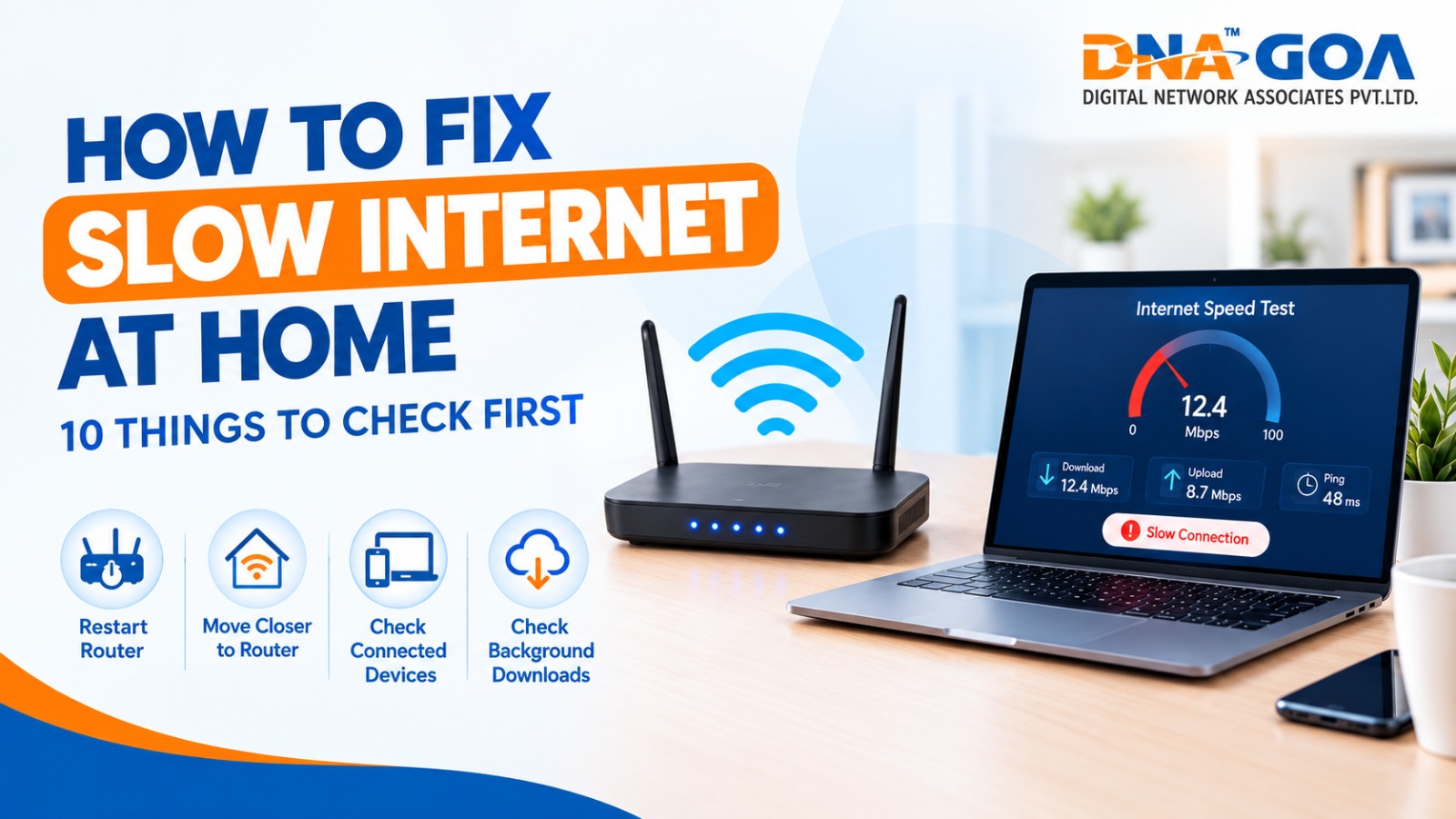
You sit down for a video call, and the screen freezes on someone’s half-open mouth. Sound familiar? When your internet is slow, it feels personal. But most of the time, the cause is small, and the fix takes minutes.
Quick answer: To fix slow internet speed, restart your modem and router, run a speed test, move closer to the router, disconnect extra devices, and check for background downloads or malware. If speeds are still low after these steps, contact your provider.
There’s a useful idea in Atul Gawande’s book The Checklist Manifesto: experts fail not because they lack knowledge, but because they skip simple steps under pressure. Troubleshooting Wi-Fi works the same way. So treat this article as a checklist and work through it in order.
1. Run a Speed Test First
Before changing anything, measure. Use a free tool like Speedtest by Ookla or Fast.com and note your download speed, upload speed and ping. Then compare it with the home broadband plan you pay for. If you get close to your plan speed on one device but not on another, the problem is the device, not the line.
2. Test on a Second Device
Try your phone, then a laptop. If only one device is slow, skip the router for now and look at that device’s browser, storage and software.
3. Restart Your Modem and Router
It sounds like cliché advice, but it works because routers build up memory clutter over weeks of running non-stop. Unplug both, wait about a minute, plug in the modem first, wait another minute, then plug in the router. Give it a few minutes to settle.
4. Move Closer or Reposition the Router
Walls, floors and even a fish tank can weaken Wi-Fi. If your router lives in a cupboard or behind the TV, bring it out. Place it high, in an open, central spot. In small apartments, this single change often solves why your WiFi speed is slow in the bedroom. If the signal still doesn’t reach, you can turn an old router into a Wi-Fi range extender.
5. Switch Wi-Fi Bands
Most modern routers broadcast two bands. The 2.4 GHz band travels further but is slower and crowded. The 5 GHz band is faster over shorter distances. Sit near the router and connect to 5 GHz for video calls and streaming.
6. Disconnect Devices You Aren’t Using
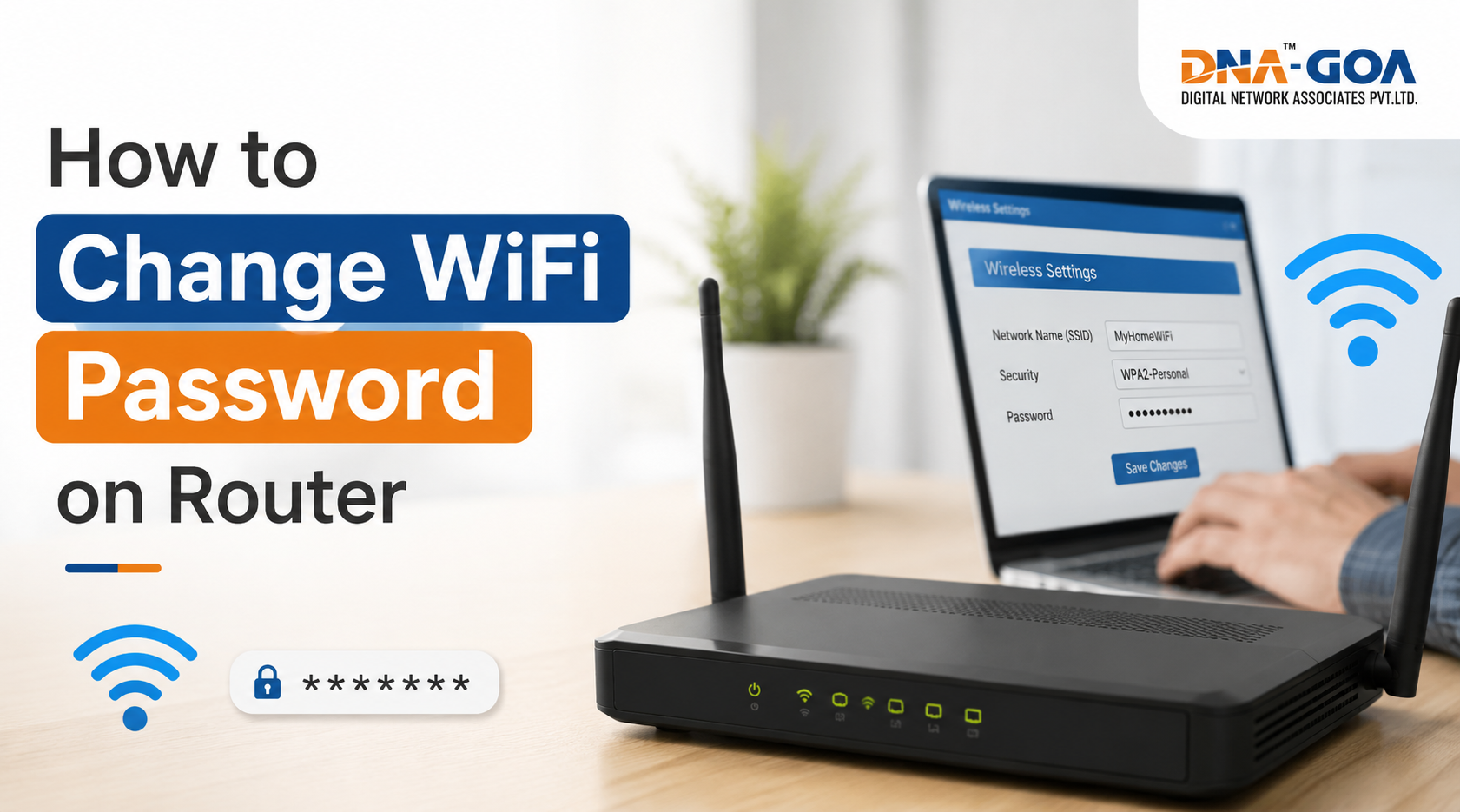
Phones, smart TVs, CCTV cameras, game consoles and smart speakers all share the same bandwidth. Check your router’s connected-device list. If you see something unfamiliar, change your Wi-Fi password immediately, since a neighbour borrowing your connection is a common reason for an internet slow evening.
7. Look for Background Downloads
Cloud backups, game updates and automatic software updates can quietly eat bandwidth. Open your device’s task manager or network settings and pause anything large that you don’t need right now.
8. Clear Your Browser Cache and Update Everything
An outdated browser or an overloaded cache can make pages crawl even on a fast line. Clear the cache, remove extensions you don’t use, and update your browser and operating system. Updates also include security patches that protect you from threats.
9. Scan for Malware
Malicious software can use your connection without you noticing. Run a scan with a trusted security tool. If your computer is also slow to open files, don’t ignore it.
10. Upgrade or Call Your Provider
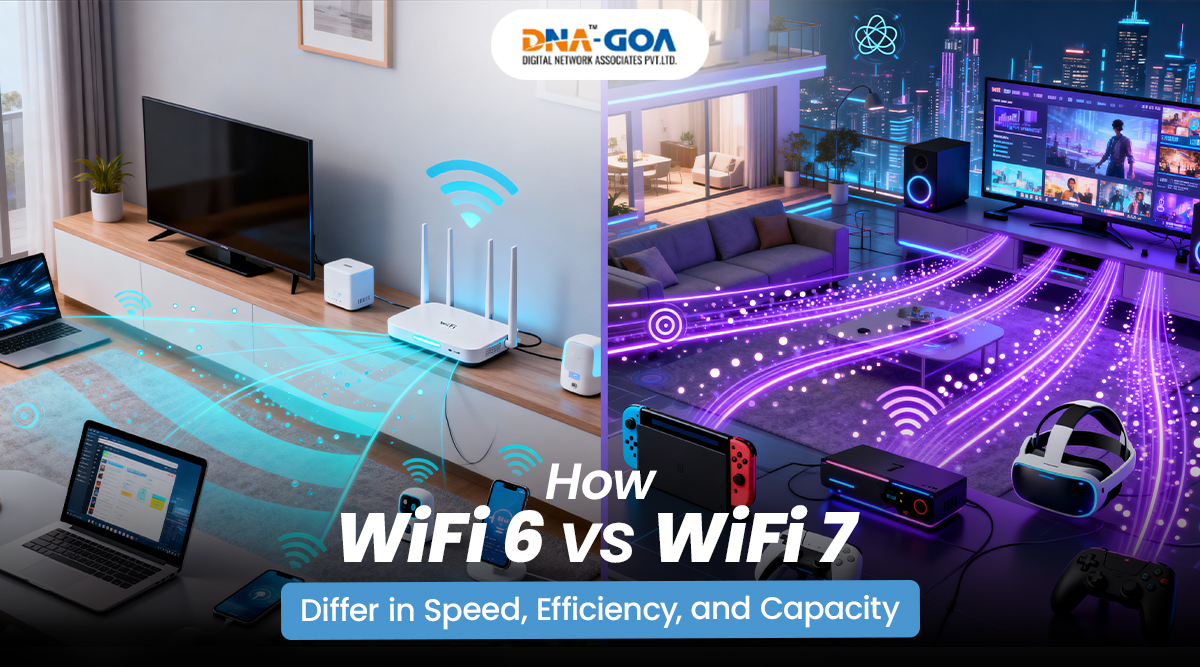
If your router is more than four or five years old, it may not handle today’s number of devices. A Wi-Fi 6 router or a mesh system can help in larger homes. If you’ve done everything above and your wired speed is still far below your plan, call your internet service provider with your speed test results in hand. If you’re in Goa, a local broadband provider like DNA Goa is a sensible first call. Support teams move faster when you show data.
Frequently Asked Questions
Why is my internet slow even though I pay for high speed?
Your plan speed is a maximum, not a promise for every device. Wi-Fi signal strength, distance, interference and the number of connected devices all reduce real-world speed.
How can I speed up internet on my phone?
Forget and rejoin the Wi-Fi network, switch to 5 GHz, restart the phone, and turn off background app refresh.
Does a wired connection really help?
Yes. An Ethernet cable skips Wi-Fi interference entirely, and it is also the quickest way to find out whether the problem is your Wi-Fi or your internet line.
How often should I restart my router?
Once a month is a sensible habit, or whenever you notice a drop in performance.
Final Thoughts
Fixing slow internet rarely needs a technician. Start with the simple checks, change one thing at a time, and test after each step. That way you’ll know exactly what worked. If this checklist saved your evening, share it with someone who keeps saying “the Wi-Fi is acting up again.”